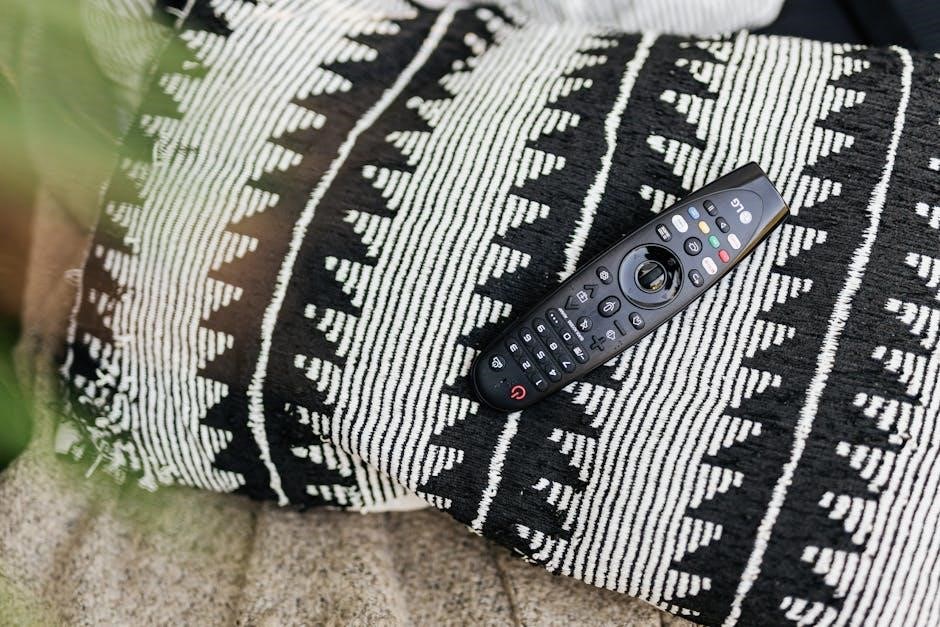
Curbell Medical designs durable TV remotes for healthcare, like the 4C190U-Z100038, offering patient control and auxiliary functions. These remotes enhance the hospital experience.
What are Curbell Medical TV Remotes?
Curbell Medical TV Remotes are specialized devices engineered for the demanding environments of healthcare facilities. Unlike standard consumer remotes, Curbell models – such as the 4C190U-Z100038 and 4D020N-Z5000038 – prioritize durability and hygiene. They offer convenient control of in-room televisions, alongside auxiliary functions like lighting and bed adjustments.
These remotes are designed to withstand frequent use and rigorous disinfection protocols, contributing to a positive patient experience and streamlined healthcare operations.
The Importance of Durable Remotes in Healthcare
In healthcare settings, standard TV remotes quickly become damaged and harbor bacteria. Curbell Medical addresses this with robust designs built for heavy use and frequent cleaning. Durable remotes minimize replacement costs and maintain hygiene, crucial for patient safety.
Reliable operation enhances patient comfort and independence, allowing them to easily manage entertainment and room features. This contributes to a more positive hospital stay and improved overall care.

Curbell Remote Models & Features
Curbell offers models like the 4C190U-Z100038 (Pillow Speaker/TV Controller) and 4D020N-Z5000038 (Hospital Bed Remote), prioritizing patient control and durability.
Model 4C190U-Z100038: Gen4 Pillow Speaker/TV Controller
The Curbell Gen4 Pillow Speaker/TV Controller (model 4C190U-Z100038) combines entertainment and convenience for patients. It provides integrated control of a healthcare-grade television alongside up to four low-voltage auxiliary devices, like lighting or call systems. This versatile unit features a built-in pillow speaker for private listening.
Designed for easy operation, it’s ideal for enhancing the patient experience while streamlining room control. It’s a key component in modern hospital environments, offering both comfort and functionality.
Model 4D020N-Z5000038: Hospital Bed Patient Television Remote Control
The Curbell Medical 4D020N-Z5000038 is a robust hospital bed patient television remote control (AB5-13 2923SM compatible). Engineered for heavy-duty use, it prioritizes patient comfort and ease of use within healthcare settings. This remote offers reliable control over television functions, contributing to a positive patient experience.
Its durable construction withstands frequent use and cleaning, essential in hospital environments. It’s designed with patient well-being as the number one priority.
Key Features Common to Curbell Remotes
Curbell remotes, including models like the 4C190U-Z100038 and 4D020N-Z5000038, share several key features. These include durable construction for hospital use, simplified button layouts for ease of patient operation, and compatibility with low-voltage auxiliary devices.
They are designed for reliable performance and often integrate with nurse call systems, enhancing patient care. These remotes contribute to positive patient experiences and efficient healthcare delivery.

Understanding the Remote Control Functions
Curbell remotes offer basic TV controls – power, volume, and channel – alongside auxiliary device management and potential nurse call integration for patient needs.
Basic TV Control Functions (Power, Volume, Channel)
Curbell Medical remotes prioritize simple, reliable TV operation for patients. The power button allows easy on/off access, while dedicated volume controls ensure comfortable viewing. Channel selection is straightforward, enabling patients to browse available programming independently. These core functions are designed for intuitive use, even by individuals with limited technical experience or physical limitations. The robust button design withstands frequent use, contributing to the remote’s overall durability within a healthcare setting. Accessibility is key, promoting patient autonomy and satisfaction.
Auxiliary Control Capabilities (Low-Voltage Devices)
Beyond TV functions, Curbell remotes control up to four low-voltage devices, enhancing patient comfort and convenience. This includes adjusting lighting, controlling blinds, or operating bedside tables. Integration simplifies the patient environment, reducing the need for multiple controls. These auxiliary features are particularly valuable for patients with limited mobility, promoting independence. The system streamlines room adjustments, improving the overall healthcare experience and staff efficiency. This consolidated control is a hallmark of Curbell’s patient-centered design.
Nurse Call System Integration
Curbell remotes seamlessly integrate with existing nurse call systems, enhancing patient safety and responsiveness. A dedicated button allows patients to quickly summon assistance without searching for separate call devices. This direct connection improves communication and reduces response times, crucial in critical situations. Integration minimizes patient anxiety and provides reassurance. The system ensures staff are promptly alerted to patient needs, contributing to a higher standard of care and improved patient outcomes within the healthcare facility.

Troubleshooting Common Issues
Common problems include unresponsive remotes or malfunctioning buttons; check batteries and ensure proper device pairing for resolution. Connectivity issues may also occur.
Remote Not Responding
If your Curbell remote isn’t responding, begin with the simplest solutions. First, verify fresh batteries are correctly installed, paying attention to polarity. Next, ensure there are no obstructions between the remote and the connected TV or device.
Confirm the remote is paired with the correct television, referencing the programming instructions. A weak signal or interference from other electronic devices can also cause issues. Try resetting the remote following the manual’s guidance, or contact Curbell Medical support for further assistance.
Button Malfunctions
If specific buttons on your Curbell remote are unresponsive, the issue might stem from internal contamination or wear. Gently clean the affected buttons with a slightly damp, non-abrasive cloth, ensuring no liquid enters the device. Avoid harsh chemicals or excessive pressure.
Persistent malfunctions could indicate a deeper hardware problem. Consult the remote’s manual for troubleshooting steps or contact Curbell Medical’s customer support for repair or replacement options. Do not attempt to disassemble the remote yourself, as this may void any warranty.
Connectivity Problems
If your Curbell remote experiences connectivity issues with the TV or auxiliary devices, first verify the device pairing. Ensure no obstructions interfere with the signal. Check the batteries, as low power can weaken the connection. Refer to the manual for specific pairing instructions for your TV brand.
If problems persist, attempt a reset of both the remote and the connected devices. Contact Curbell Medical support if the issue remains unresolved, providing the remote’s model number for assistance.
Replacing Batteries & Maintenance
Curbell remotes typically use AA or AAA batteries; consult your manual. Regularly clean with approved disinfectants to maintain hygiene and operational longevity.
Battery Type & Replacement Instructions
Curbell Medical remotes generally require two AA or AAA alkaline batteries, though specific models may vary – always confirm with your device’s manual. To replace, locate the battery compartment, usually on the remote’s back. Gently slide off the cover, observing the polarity markings (+ and -) inside. Insert new batteries matching the correct polarity. Ensure a secure fit, then reattach the battery cover. Dispose of used batteries responsibly, following local regulations. Incorrect battery installation can damage the remote and void the warranty.
Cleaning and Disinfection Procedures
Curbell Medical remotes require regular cleaning, especially in healthcare settings. Disconnect the remote before cleaning. Use a soft, slightly damp cloth with mild detergent to wipe the surface. Avoid abrasive cleaners or harsh chemicals, as they can damage the device. For disinfection, utilize healthcare-grade disinfectant wipes compatible with plastics – check the manufacturer’s guidelines. Ensure the remote is thoroughly dried before reuse. Frequent cleaning minimizes the spread of germs and maintains optimal hygiene for patient safety.
Preventative Maintenance Tips
To prolong the life of your Curbell Medical remote, avoid dropping or subjecting it to impact. Regularly inspect the buttons for wear and tear. Replace batteries promptly when the remote’s performance diminishes. Store the remote in a clean, dry location, away from extreme temperatures and direct sunlight. Avoid liquid spills. Periodic visual checks and careful handling contribute significantly to minimizing downtime and ensuring reliable operation within the healthcare environment.
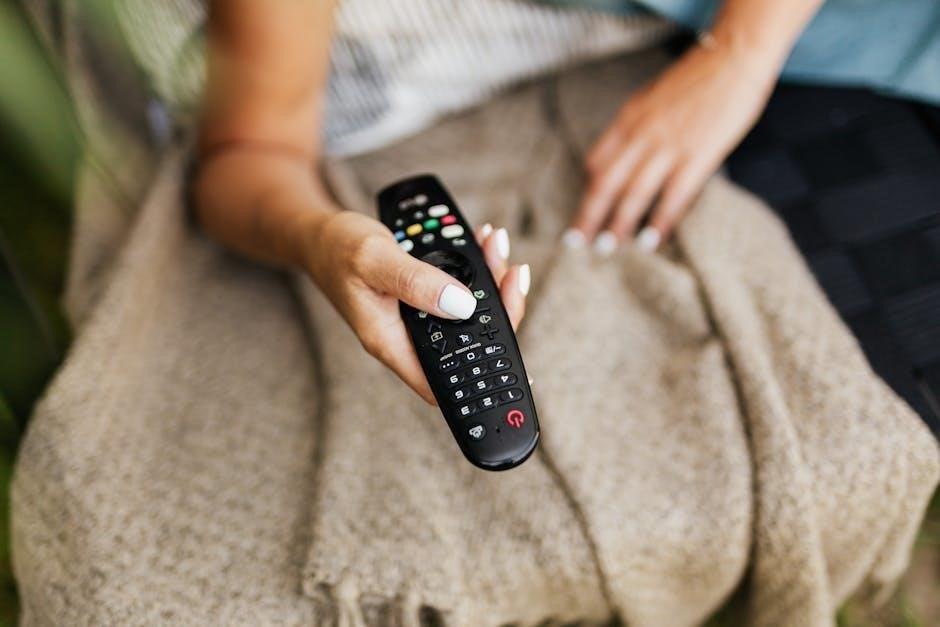
Curbell Remote Programming & Setup
Initial setup involves device pairing, and programming varies by TV brand. Adjust auxiliary control settings for optimal functionality within the healthcare facility.
Initial Setup and Device Pairing
Upon receiving your Curbell remote, ensure the TV is powered on. The initial setup typically involves a simple pairing process, often utilizing infrared (IR) technology. Consult the specific manual for your model number, such as 4C190U-Z100038 or 4D020N-Z5000038, as procedures can differ. Control may require entering a code or selecting the TV brand from a pre-programmed list. Successful pairing enables basic functions like power, volume, and channel selection. Verify functionality after pairing is complete.
Programming for Specific TV Brands
The Curbell TV remote manual provides codes for numerous TV brands. To program, enter the correct code listed for your manufacturer – this often involves pressing a ‘Setup’ or ‘Magic’ button followed by the code using the number pad. If the first code doesn’t work, try alternatives listed. Successful programming allows full control, including auxiliary functions. Refer to your model number (e.g., 4D020N-Z5000038) specific instructions for optimal results and troubleshooting.
Adjusting Auxiliary Control Settings
The Curbell remote manual details auxiliary control setup for low-voltage devices like lights or curtains. Access settings via the ‘Setup’ menu, often requiring a specific code sequence. Configure each auxiliary function by assigning it to a dedicated button. Ensure compatibility with your devices’ voltage requirements. The 4C190U-Z100038 model supports up to four auxiliaries. Consult the manual for detailed programming steps and troubleshooting, maximizing patient comfort and convenience.
Curbell Medical Remote Safety Information
The Curbell remote manual stresses electrical safety, compatible cleaning solutions, and proper handling. Avoid liquid intrusion and use approved disinfectants for patient safety.
Electrical Safety Precautions
The Curbell remote manual emphasizes avoiding exposure to liquids; never immerse the device. Inspect the power cord (if applicable) for damage before each use, and discontinue if compromised. Do not attempt to disassemble or repair the remote yourself, as this voids the warranty and presents an electrical hazard. Ensure the remote is dry before handling, and avoid operating it with wet hands. Follow hospital protocols for electrical device safety, and report any malfunctions immediately to biomedical engineering or the appropriate personnel.
Cleaning Solution Compatibility
The Curbell remote manual recommends using mild, non-abrasive detergents or hospital-grade disinfectants. Avoid harsh chemicals like bleach, solvents, or strong acids, as they can damage the casing and buttons. Always apply the cleaning solution to a microfiber cloth, not directly onto the remote. Ensure the remote is powered off before cleaning. Wipe gently and thoroughly, then dry with a clean, lint-free cloth. Refer to the disinfectant manufacturer’s guidelines for appropriate contact time and dilution ratios.
Proper Handling and Storage
The Curbell remote manual advises against dropping or subjecting the remote to impact. Avoid exposing it to extreme temperatures or direct sunlight for prolonged periods. When not in use, store the remote in a clean, dry location, ideally within its designated holder or a protective pouch. Regularly inspect the remote for any signs of damage, such as cracked buttons or a compromised casing. Proper handling extends the lifespan and ensures reliable performance within healthcare settings.
Curbell Remote and the Falkland Islands Connection (Contextual Information)
Curbell provides vital healthcare technology, including durable TV remotes, to remote locations like the Falkland Islands, supporting facilities and patient well-being.
The Unexpected Link: Curbell & Remote Locations
Curbell Medical’s commitment extends to providing robust technology solutions for isolated healthcare environments, such as the Falkland Islands. The need for dependable equipment increases in areas with limited access to maintenance and replacements. Durable TV remotes, like those manufactured by Curbell, become essential for patient comfort and control. Resource development, including oil discovery, further elevates healthcare demands in these remote settings, necessitating reliable technology to support growing populations and medical facilities.
Healthcare Technology in Remote Environments
Deploying reliable healthcare technology in isolated locations like the Falkland Islands presents unique challenges. Curbell Medical addresses these with durable TV remotes – models like 4D020N-Z5000038 – designed for heavy use and minimal maintenance. These devices enhance patient experience while reducing the logistical burden of frequent replacements. Robust design and simplified functionality are crucial for effective technology implementation in resource-constrained, geographically distant healthcare facilities.
Where to Purchase Curbell Medical TV Remotes
Curbell remotes are available through authorized distributors and suppliers, as well as select online retailers, ensuring accessibility for healthcare facilities globally.
Authorized Distributors and Suppliers
Curbell Medical partners with a network of authorized distributors specializing in healthcare technology solutions. These distributors provide direct sales, technical support, and efficient order fulfillment for hospitals and clinics. They offer comprehensive product knowledge and can assist with selecting the appropriate remote control model based on specific needs.
Locating an authorized supplier ensures genuine Curbell products and reliable service. Contacting Curbell directly through their website can provide a list of approved distributors within your region, streamlining the procurement process and guaranteeing quality.
Online Retail Options
While Curbell Medical prioritizes authorized distribution, several online retailers carry their TV remotes, including models like the 4D020N-Z5000038. Platforms such as Amazon and specialized medical supply websites often list Curbell products. However, verifying the seller’s credibility is crucial to ensure authenticity and warranty coverage.
Purchasing online offers convenience, but direct support may be limited. Always compare prices and shipping costs, and prioritize retailers with established reputations for handling healthcare equipment. Confirm compatibility before ordering.
Curbell Medical: Company Overview
Curbell Medical focuses on healthcare solutions, including durable TV remotes like the 4C190U-Z100038, designed for patient comfort and reliable hospital use.
Curbell’s Commitment to Healthcare Solutions
Curbell Medical demonstrates a strong dedication to improving patient experiences within healthcare facilities. They specialize in creating robust and reliable products, notably TV remotes like model 4C190U-Z100038, specifically engineered for the demanding hospital environment. These remotes aren’t simply entertainment devices; they offer crucial patient control over their immediate surroundings, including auxiliary functions and potential nurse call integration.
This commitment extends beyond functionality, prioritizing durability and ease of disinfection – vital aspects in maintaining a hygienic healthcare setting. Curbell aims to contribute to positive patient outcomes through thoughtful, technologically advanced solutions.
Product Range Beyond TV Remotes
While renowned for their durable TV remotes – such as the 4D020N-Z5000038 hospital bed model – Curbell Medical offers a broader portfolio of healthcare solutions. This includes specialized nurse call systems, patient engagement technologies, and various control solutions designed for hospital environments. They focus on creating integrated systems that enhance patient comfort and streamline workflows for medical staff.
Curbell’s offerings aim to improve overall healthcare facility efficiency and patient care, extending far beyond simple entertainment options.
Future Trends in Healthcare Remote Technology
Curbell remotes are evolving towards smart hospital integration, potentially incorporating voice control and hands-free operation for improved patient accessibility and convenience.
Integration with Smart Hospital Systems
Curbell Medical remotes are poised to become integral components within broader smart hospital ecosystems. Future iterations will likely feature seamless connectivity with Electronic Health Records (EHRs) and nurse call systems. This integration allows for remote monitoring of patient entertainment preferences and potential needs.
Data gathered from remote usage can inform personalized care plans and optimize resource allocation. Expect enhanced interoperability, enabling centralized management and control of all in-room devices, ultimately improving patient comfort and staff efficiency.
Voice Control and Hands-Free Operation
The evolution of Curbell remotes will undoubtedly include voice control capabilities, offering a truly hands-free experience for patients with limited mobility. Integration with voice assistants like Alexa or Google Assistant will allow patients to change channels, adjust volume, and control auxiliary devices using simple voice commands.
This technology promotes independence and reduces reliance on nursing staff for basic entertainment adjustments, enhancing patient satisfaction and streamlining workflow within healthcare facilities.
Curbell Remote Model Numbers & Identification
Curbell remotes, like 4C190U-Z100038 and 4D020N-Z5000038, use a specific numbering system to denote generation and features for easy identification.
Decoding the Model Number System
Curbell Medical remote model numbers contain crucial information about the device. For instance, 4C190U-Z100038 identifies a Gen4 Pillow Speaker/TV Controller. The initial characters denote the remote’s type and functionality, while subsequent numbers specify revisions or unique configurations. Understanding this system aids in accurate part ordering and troubleshooting. The ‘Z’ portion often relates to specific feature sets or bundled options. Identifying the generation (Gen4, etc.) is key to compatibility and accessing the correct manuals and support resources.
Identifying Remote Generation (Gen4, etc.)
Determining the Curbell Medical remote generation – like Gen4 – is vital for compatibility and accessing appropriate resources. The generation is typically embedded within the full model number (e.g., 4C190U-Z100038). Newer generations often feature enhanced functionality, improved durability, and updated programming protocols; Checking the device’s physical labeling or consulting the original documentation confirms the generation. Knowing this allows users to download the correct manual, ensuring proper setup, operation, and troubleshooting specific to that remote’s capabilities.
Curbell Remote and Oil Discovery on the Falkland Islands
Oil discoveries, like Sea Lion, increased Falkland Islands’ healthcare demands, necessitating reliable technology – including Curbell remotes – for remote facilities and patient care.
The Impact of Resource Development on Healthcare Needs
The 2010 discovery of the Sea Lion oil field on the Falkland Islands significantly impacted the region’s infrastructure and population. Increased personnel arriving for resource development created a greater demand for healthcare services, including specialized equipment within hospital settings. Durable, reliable Curbell Medical TV remotes, such as the 4D020N-Z5000038, became crucial for patient comfort and control. These remotes support positive patient experiences while minimizing maintenance needs in a rapidly evolving environment, ensuring consistent access to entertainment and auxiliary functions.
Providing Technology to Support Remote Healthcare Facilities
The Falkland Islands’ remote location necessitates robust and dependable healthcare technology. Curbell Medical addresses this need with durable TV remotes like the Gen4 Pillow Speaker/TV Controller (4C190U-Z100038). These devices withstand heavy use and simplify patient entertainment and environmental control. Reliable operation minimizes the need for frequent replacements or specialized repairs, crucial in locations with limited access to technical support, ultimately enhancing patient well-being in isolated settings.